No products
Prices are tax excluded
Hopalys PDF
New product
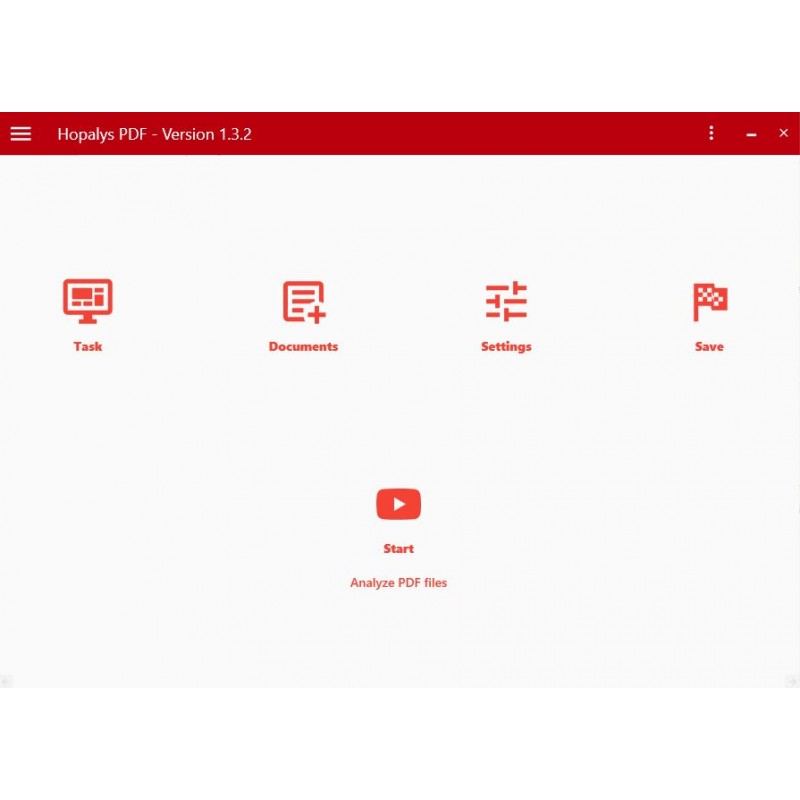
When PDF collections are large, mixed, or difficult to assess, preliminary checks can quickly become time-consuming. Hopalys PDF brings structure to exactly this phase: check files, identify risks, make informed decisions, and start the right workflow.
In Stock
Data sheet
| System requirements: | Windows 7 or higher. |
| License period: | Including free upgrades and standard support. You may renew your subscription at any time by reordering the subscription. |
| System requirements Adobe products | 16 GB recommended RAM, 2 GB of available hard-disk space for installation; additional free space required during installation; SSD recommended |
More info
Hopalys PDF – Analyze · Decide · Process
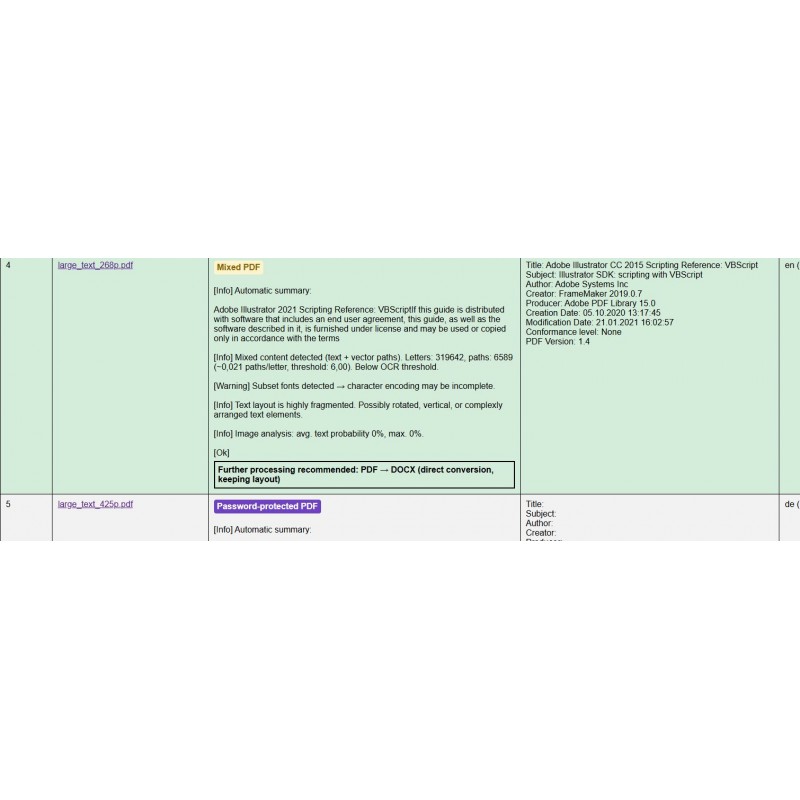
PDF files often look the same – but in practice, they can behave very differently. Some contain clean text, while others consist of scans, images, forms, complex structures, or mixed content. This is exactly where Hopalys PDF comes in.
The software analyzes your PDF files, makes technical properties visible, and helps you decide faster which processing path makes sense: direct export, OCR processing, image conversion, splitting, PDF conversion, or targeted further processing.
This turns uncertain trial and error into a clear, repeatable PDF workflow.
Highlights
When PDF collections are large, mixed, or difficult to assess, much of the effort often starts before the actual processing begins. Files must be opened, checked, evaluated, and assigned to the right workflow.
Hopalys PDF reduces exactly this effort. The application helps you assess PDF collections faster, identify critical files earlier, and start the right processing steps more precisely.
This saves time, reduces failed attempts, and brings more reliability to the entire document process.
Key Functions
| Function | Workflow Benefit |
|---|---|
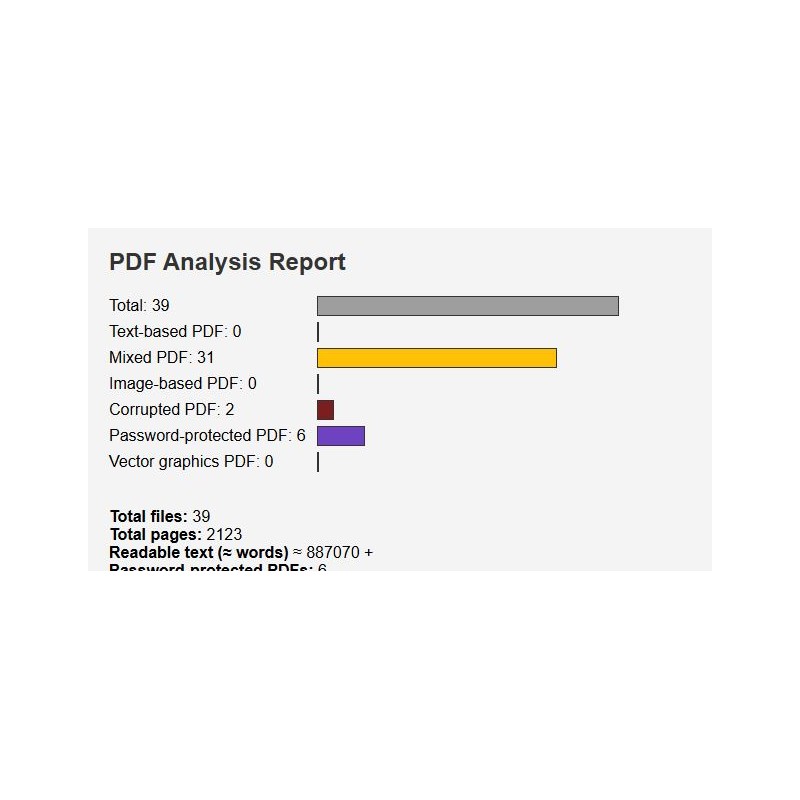
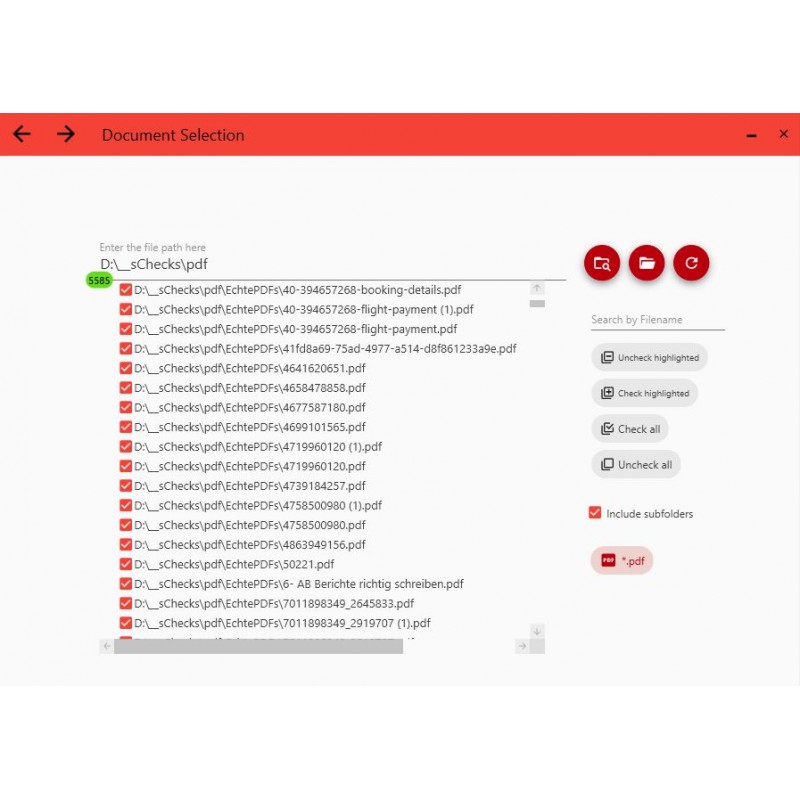
| Analyze PDF collections quickly | Checks PDF files before export, OCR, or further processing and helps assess quality, readability, and potential risks more effectively. |
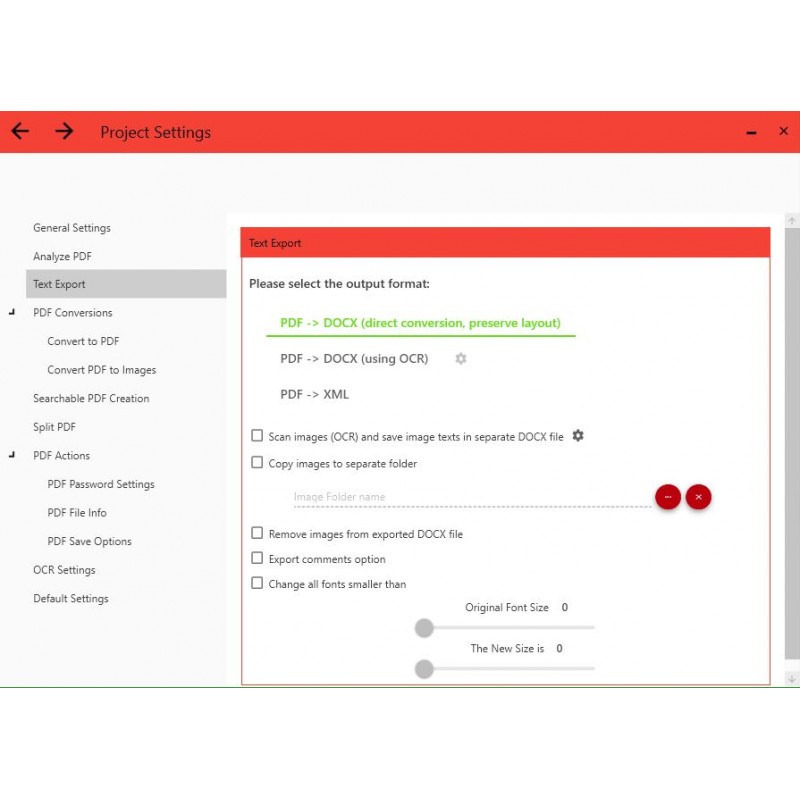
| Export text from PDF files | Creates editable content from PDFs, for example as DOCX with layout, DOCX via OCR, or XML. |
| Convert files to PDF | Converts supported image and document files such as JPG, JPEG, GIF, TIFF, PNG, DOCX, or RTF into PDF. |
| Split PDF files into batches | Splits large PDF files into smaller, more manageable PDF packages. |
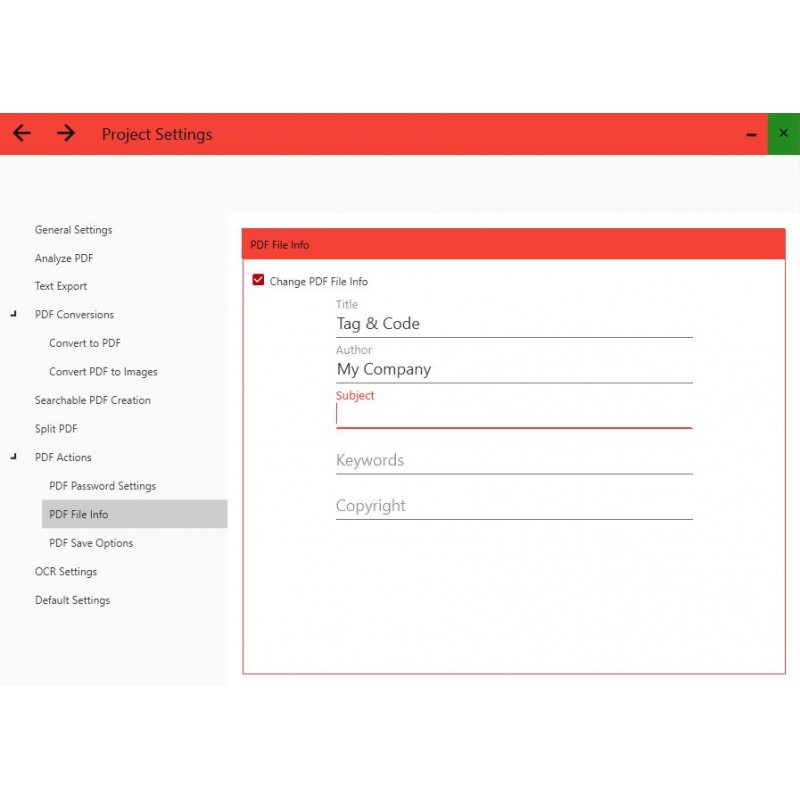
| Run PDF actions | Supports PDF-related tasks such as password handling, metadata updates, compression, PDF version options, and naming rules. |
| Convert PDF files to images | Converts PDF pages into image formats such as PNG, JPG/JPEG, or GIF. |
| Create searchable PDFs | Adds searchable text to scanned or image-based PDF files using OCR. |
| Review reports and results | Creates HTML reports, analysis reports, and result folders so processing runs can be checked and documented. |
Further functions, settings, and step-by-step instructions can be found in the user manual.
Automation
Hopalys PDF can be started via the command line. This makes it possible to run prepared processing workflows using XML profiles – for example via a batch file, from other programs, or at a scheduled time on a PC or server.
This is especially useful for recurring PDF processes, controlled production workflows, and technical environments where the same tasks need to be performed regularly with defined settings.
Economic Benefit
Hopalys PDF saves time especially where PDF files must first be opened, checked, evaluated, and assigned to the right workflow before the actual processing can begin.
The main benefit is therefore not only the fast analysis itself, but the significantly reduced time required for reviewing, evaluating, documenting, and deciding on the right workflow. As a technical reference value: Hopalys PDF analyzes approx. 800 pages in around 2 minutes. The remaining effort mainly consists of targeted review and further processing.
| Scenario | Typical Page Volume | Manual Effort without Hopalys PDF | With Hopalys PDF | Typical Economic Benefit at €60 / Hour |
|---|---|---|---|---|
| Small to medium mixed PDF collections | 100–300 pages | approx. 1.5–8 h | approx. 0.3–1.0 h | approx. €70–420 per task / project |
| Medium to larger mixed PDF collections | 300–800 pages | approx. 5–22 h | approx. 0.5–2.0 h | approx. €270–1,200 per task / project |
| Large PDF collections or migration projects | 800–2,000 pages | approx. 14–55 h | approx. 1.0–4.0 h | approx. €780–3,060 per task / project |
The calculation is based on a model value of €60 per working hour. It compares the typical effort for manual pre-checking without Hopalys PDF with the remaining effort when using structured analysis and targeted review with Hopalys PDF. Actual savings may vary depending on document quality, scan ratio, OCR requirements, team workflow, and internal hourly rates.
Ideal For
- Service providers working with changing sources and PDF files that are difficult to assess
- Companies with mixed documents, high document volumes, or regular PDF pre-checking
- Archiving and digitization service providers handling migrations and larger projects
- Translation agencies and language service providers that need to assess text availability faster
- Teams that want to better prepare OCR, export, splitting, or technical further processing
- System integrators who want to structure recurring PDF processes using profiles or command-line execution
Conclusion
Hopalys PDF is the right choice for teams that do not want to leave PDF processing to chance. The software helps assess PDF collections faster, identify risks earlier, and execute the right processing steps more precisely.
Secure the introductory price now and start your PDF workflows more professionally.